A good bilingual Hebrew–English website is one site with two native versions. Each language has its own address, its own professionally written content and its own reading direction: left to right for English, right to left for Hebrew. Google is told which page is meant for which audience, and visitors can switch languages in one click without losing their place. When these foundations are in place, your website can rank in Hebrew for local customers and in English for international clients, investors and English-speaking residents of Israel. When they are missing, you usually end up with a Hebrew version that nobody finds and nobody trusts, or an English version that looks like an afterthought. This guide walks through the structure, design, content and technical SEO choices that make the difference.
Start with the right structure
The first decision is architectural, and it is the hardest to change later. Never mix both languages on the same page, and never rely on an automatic translation widget that rewrites the text in the visitor’s browser. Search engines cannot properly index that kind of content, and visitors immediately sense that the translation was not written for them. Each language needs its own indexable URL, its own title and description, and its own place in your sitemap.
The simplest and most effective setup for most businesses is a folder per language on the same domain, for example example.com/en/ and example.com/he/. Both versions then share the authority your main domain has built over time, which helps a new language version rank faster than it would on a separate domain. Subdomains and country-specific domains such as .co.il are also possible, but they split your authority and double the work of promoting the site, so they are usually reserved for companies with very different offers in each market.
On WordPress, plugins such as Polylang or WPML handle this structure, link each page to its translation and output the right technical signals for search engines. Shopify offers comparable features for online stores. Our own website, nodev.tech, runs French, English and Hebrew exactly this way, with every page connected to its equivalents in the other languages.
Right-to-left design is more than flipping the text
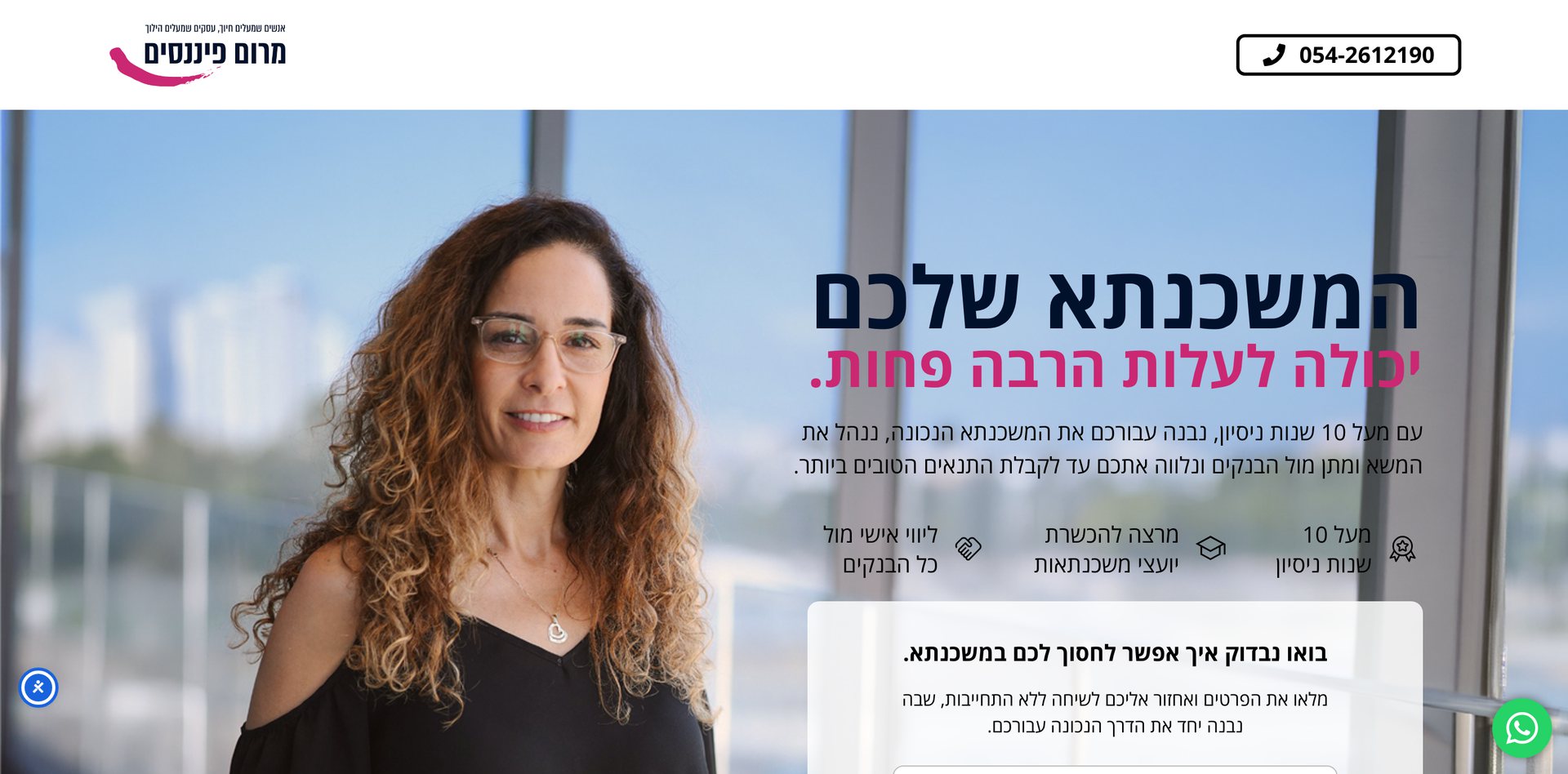
When a website switches to Hebrew, the entire interface should mirror. The logo moves to the right, the navigation reads from right to left, arrows and “next” buttons point the other way, and text aligns to the right. Grids and card layouts flow in the opposite direction, and animations that slide in from the left should now slide in from the right. Done properly, the Hebrew version feels as if it had been designed first, not adapted from an English template.
Some elements, however, must not flip. Phone numbers, prices, dates written in digits, email addresses, code snippets, product photos, video players and most logos keep their original orientation. Mixed content is where problems usually appear: a Hebrew sentence that contains an English brand name or a number can display its punctuation at the wrong end of the line if the markup is not handled correctly. The W3C explains these mechanisms clearly in its guide to structural markup and right-to-left text in HTML.
The bugs we fix most often on existing bilingual sites are icons that still point right, carousels that scroll in the wrong direction, form fields with labels on the wrong side, error messages left in English, and letter-spacing applied to Hebrew headings, which breaks the shape of the words. Each one seems minor in isolation, but together they make a website feel foreign to Israeli visitors and quietly reduce the number of people who get in touch.
Fonts and content that feel native
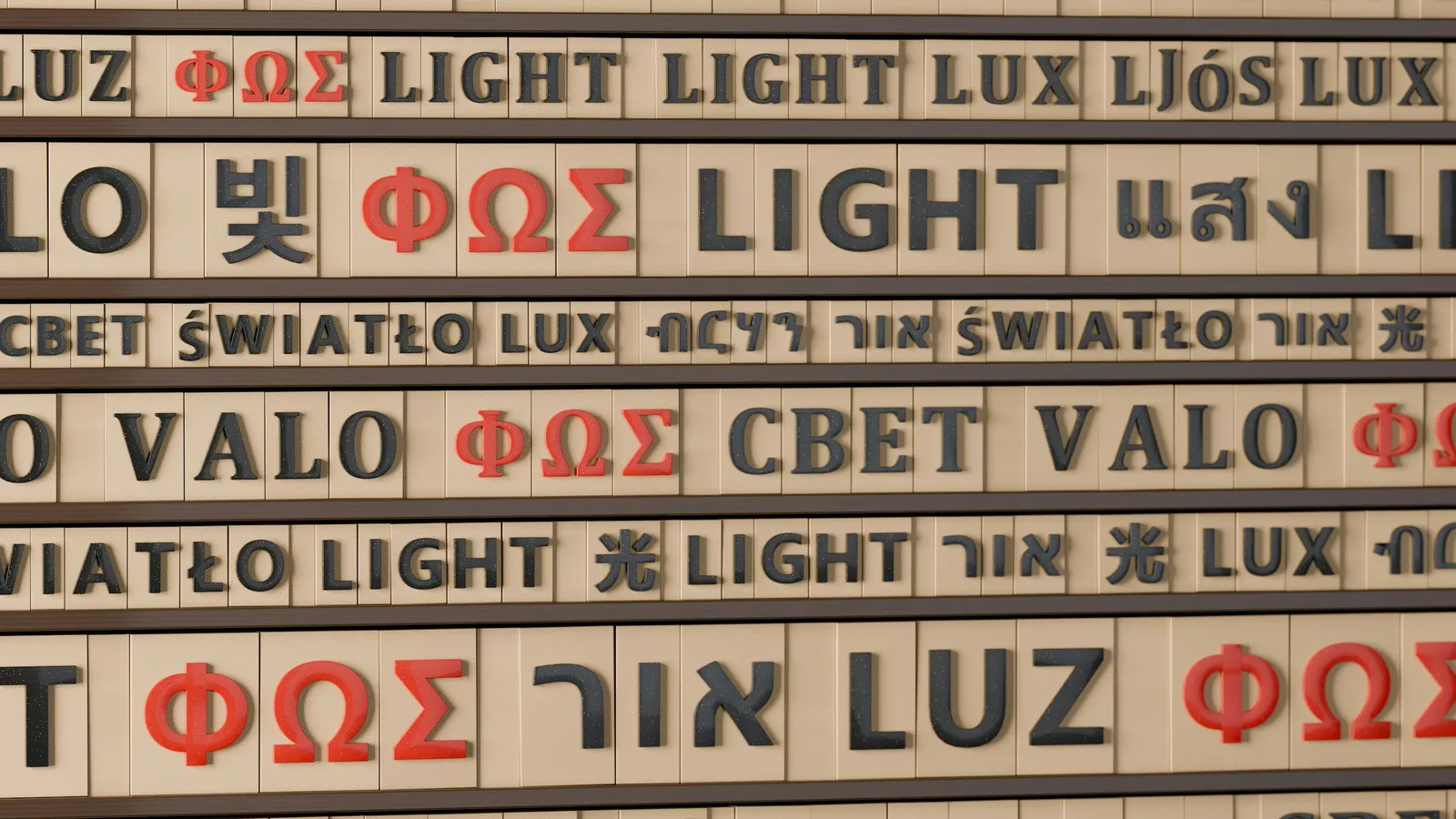
Typography is the second most common weakness of bilingual sites. Most popular Latin fonts contain no Hebrew characters at all, so the browser silently falls back to a default system font and the Hebrew version suddenly looks generic or even cheap next to a carefully designed English version. The solution is to choose a pairing designed to work across both scripts, such as Heebo, Rubik or Assistant for Hebrew alongside your English brand font, and to adjust sizes slightly, since Hebrew letters tend to look smaller at the same font size.
The words matter even more than the letters. Israelis and English speakers search differently, use different vocabulary and respond to different arguments. An Israeli prospect typically compares prices in shekels, expects to reach you quickly on WhatsApp and wants to see local references. An overseas investor or client wants to understand the process, the legal framework, the currency and the timeline. Writing each version natively, ideally with a copywriter for each language, and carrying out keyword research separately in Hebrew and in English, is what turns a translated website into one that performs in both markets.
Before launchCheck that every page exists in both languages and is linked to its translation, that forms, confirmation messages and automatic emails are translated, that the Hebrew version is tested on several mobile devices, and that a native speaker has proofread each language.
Technical SEO for two languages
Search engines need explicit signals to understand a multilingual site. Add hreflang annotations on every page, pointing in both directions between the Hebrew and English versions and including an x-default version, as described in Google’s documentation on localized versions. Set the correct lang attribute and dir="rtl" on Hebrew pages, translate titles, meta descriptions and image alt text, and submit a single sitemap that includes every language to Google Search Console so you can monitor how each version is indexed.
Avoid redirecting visitors automatically based on their location or browser language. Many people in Israel browse in English, and many people abroad read Hebrew; forced redirects frustrate them and can prevent Google from crawling every version. Instead, let both search engines and visitors reach every page, and offer a clear language switcher in the header. Plan for accessibility at the same time: Israeli regulations require most business websites to meet accessibility standards based on WCAG, in both languages.
In terms of budget, expect a bilingual site to cost roughly 30 to 50 percent more than the same site in a single language, mainly because of the second set of content and the additional design and testing work. Adding a third language later costs less, as long as the multilingual structure was planned from the beginning. Our guide to choosing a web design agency in Israel covers full price ranges for business websites and online stores.
FAQ
Can I use automatic translation for the Hebrew version?
For internal documents, perhaps. For a public website, no: Israeli visitors recognise machine-translated Hebrew instantly, which undermines trust, and low-quality translated pages tend to perform poorly in search results.
Does my Hebrew site need a .co.il domain?
It is not required. A /he/ folder on your main domain ranks well in Israel when the content is genuinely written in Hebrew and hreflang is configured correctly. A .co.il domain mainly makes sense if you run a separate brand for the Israeli market.
Which CMS is best for a Hebrew–English website?
WordPress with Polylang or WPML is the most flexible option for business websites and blogs. Shopify supports Hebrew and English stores well for e-commerce. Both handle right-to-left layouts, provided the theme or design is built for it.
Can I add French or a third language later?
Yes, as long as the site was built on a multilingual structure from the start. Planning for additional languages early avoids a partial rebuild and keeps all versions consistent.
Need a website in Hebrew and English, or French? We design multilingual sites with native right-to-left layouts. See our work, explore our services or tell us about your project.